DPI meaning mouse is one of the most searched yet misunderstood topics in computing today. Whether you are a gamer 🎮, designer 🎨, office professional 💼, or casual laptop user, understanding DPI can completely change how your mouse feels, performs, and responds.
Have you ever wondered why your cursor sometimes feels too fast or painfully slow? Or why professional gamers talk about “800 DPI” like it’s sacred? The answer lies in one simple concept: DPI.
This in-depth guide will explain everything in clear, human language. No jargon. No fluff. Just practical knowledge you can actually use.
What Does DPI Mean in a Mouse? 🤔
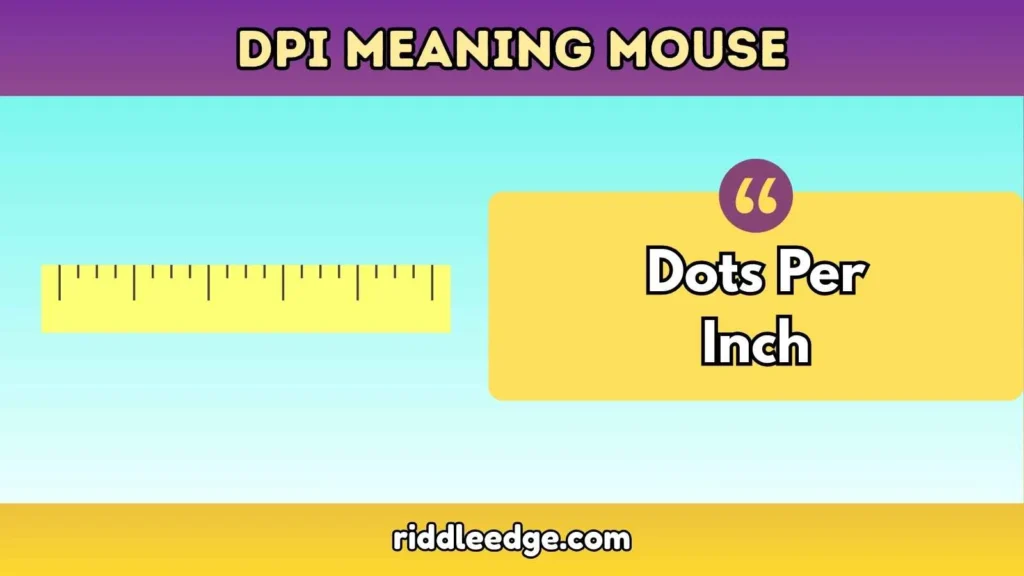
DPI stands for Dots Per Inch. In the context of a mouse, DPI measures how sensitive your mouse is to movement.
Simply put:
DPI determines how far your cursor moves on screen when you move your mouse one inch.
For example:
- 400 DPI → Cursor moves 400 pixels per inch
- 1600 DPI → Cursor moves 1600 pixels per inch
Higher DPI = faster cursor movement 🚀 Lower DPI = slower, more controlled movement 🎯
Why DPI Meaning Mouse Matters More Than You Think 🧠
Many users ignore DPI settings and struggle with comfort, accuracy, or fatigue. But DPI affects:
- 🎯 Precision and accuracy
- 🖥 Screen navigation speed
- 🖐 Hand and wrist comfort
- 🎮 Gaming performance
- 🎨 Design and editing accuracy
Choosing the wrong DPI can cause wrist pain, missed clicks, and poor performance.
Origin of DPI in Mouse Technology 🕰️
The concept of DPI originated from the printing industry, where it measured print resolution. As computer mice evolved from mechanical ball mice to optical and laser sensors, DPI became a standard measurement for sensitivity.
Modern sensors now allow DPI levels exceeding 25,000 DPI — far more than most humans can realistically control.
How Mouse DPI Actually Works ⚙️
A mouse uses an optical or laser sensor to track surface movement. The sensor captures thousands of images per second and calculates movement distance.
DPI controls how many data points the sensor reports per inch of movement.
Important truth: Higher DPI does not always mean better accuracy.
DPI vs Mouse Sensitivity (They Are NOT the Same) ❌
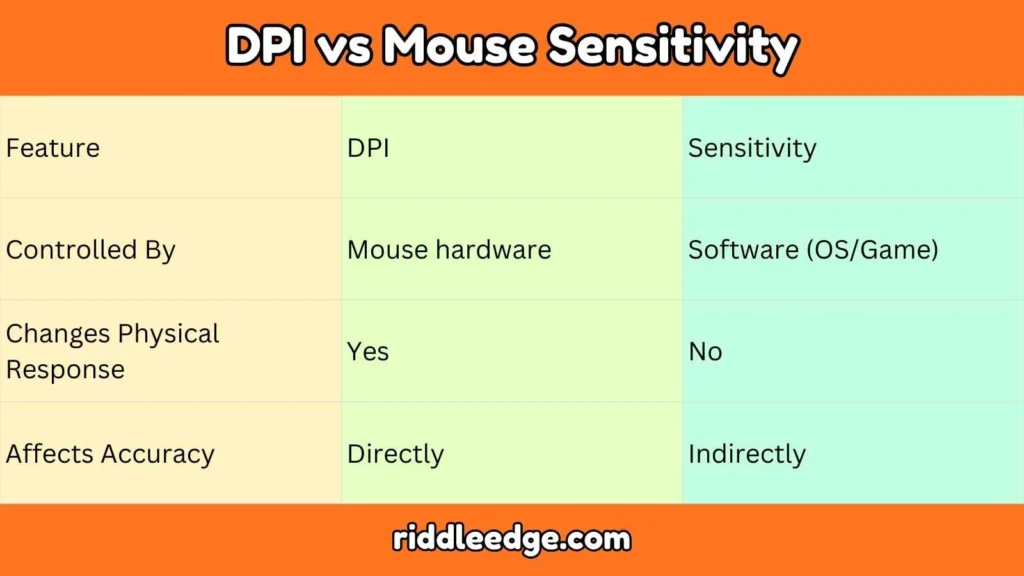
This is where many people get confused.
| Feature | DPI | Sensitivity |
|---|---|---|
| Controlled By | Mouse hardware | Software (OS/Game) |
| Changes Physical Response | Yes | No |
| Affects Accuracy | Directly | Indirectly |
DPI meaning mouse refers to hardware sensitivity, while sensitivity sliders simply multiply that input.
Common DPI Levels Explained 📊
| DPI Level | Best For |
|---|---|
| 400–800 | FPS gaming, precision work |
| 1000–1600 | General use, office work |
| 2400–3200 | Large screens, fast navigation |
| 6400+ | Marketing numbers, niche use |
Best DPI for Gaming 🎮

FPS Games (CS-style shooters)
Professional players prefer 400–800 DPI for maximum control and muscle memory.
MOBA & Strategy Games
1200–2000 DPI allows faster screen movement.
MMO Games
1600 DPI balances speed and accuracy.
“Low DPI gives you consistency. Consistency wins games.”
Best DPI for Office Work & Browsing 💼
For spreadsheets, emails, and browsing:
- ✔ Recommended DPI: 1000–1600
- ✔ Reduces wrist strain
- ✔ Comfortable for long sessions
Best DPI for Graphic Design & Editing 🎨
Designers need pixel-level control.
- 800–1200 DPI for precision
- Lower DPI = cleaner selections
High DPI Mouse: Marketing vs Reality ⚠️
Many mice advertise 20,000+ DPI. Sounds impressive, right?
Reality check:
- Most humans can’t control above 3200 DPI
- Extremely high DPI causes jitter
- Used mainly for marketing
More DPI does not equal better performance.
How to Change DPI on a Mouse 🔧
Method 1: DPI Button
Many gaming mice include a dedicated DPI switch.
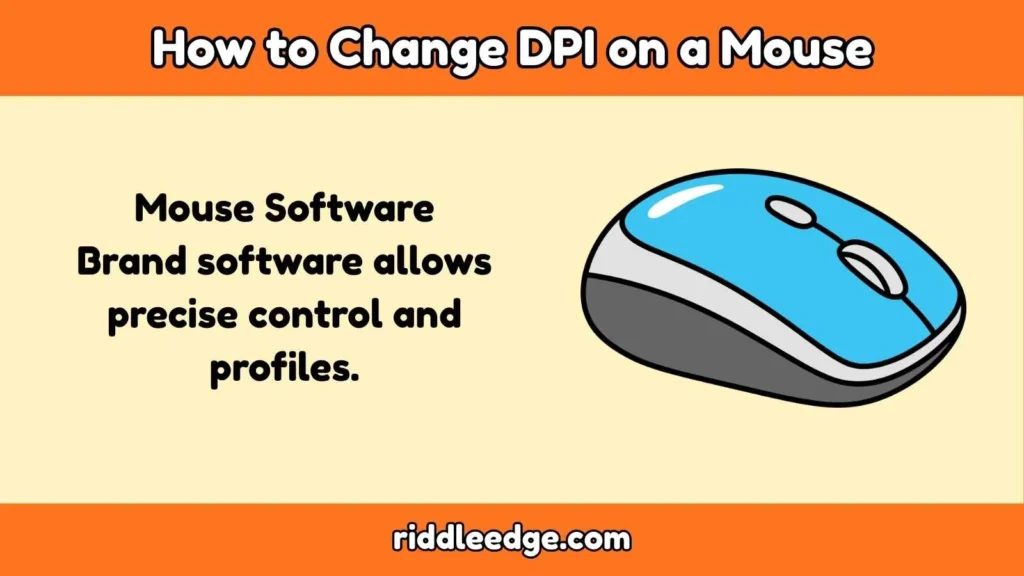
Method 2: Mouse Software
Brand software allows precise control and profiles.
Method 3: Operating System
OS sensitivity affects speed but not true DPI.
Does DPI Affect Accuracy? 🎯
Yes — but only up to a point.
- Too low → sluggish movement
- Too high → shaky cursor
The sweet spot depends on your hand size, screen resolution, and task.
DPI and Screen Resolution Relationship 🖥️
Higher resolution screens often feel better with slightly higher DPI.
- 1080p → 800–1200 DPI
- 1440p → 1200–1600 DPI
- 4K → 1600–2400 DPI
Common Myths About DPI Meaning Mouse ❌
- Myth: Higher DPI is always better
- Myth: DPI equals sensitivity
- Myth: Pros use max DPI
FAQs
What is a good DPI for beginners?
Start with 1200 DPI and adjust gradually.
Is higher DPI better for gaming?
No. Most competitive gamers prefer lower DPI.
Can DPI cause wrist pain?
Yes. Incorrect DPI can increase strain.
Should I change DPI or sensitivity?
Adjust DPI first, then fine-tune sensitivity.
Final Thoughts:
Understanding DPI meaning mouse empowers you to take control of your computing experience.
The right DPI improves comfort, accuracy, and performance across gaming, work, and creativity.
Ignore hype. Focus on what feels right for you.
Your mouse should work with you — not against you. 🖱️✨

I love exploring the meaning behind words and ideas, turning simple thoughts into clear and engaging content. At Punswave, I focus on explaining meanings in an easy and interesting way for everyone.